ATTRACTIONS
Meeting Mickey and the princesses
It works by booking a slot in the app, not by an ordinary queue. When to open it and what to expect.
The two most sought-after character meets in Fantasyland — Meet Mickey Mouse and Princess Pavilion: A Royal Invitation — do not work today like an attraction with a physical queue at the door. According to the information available to us, they are handled by booking a slot in the official Disneyland Paris app: you join a Virtual Queue from the app: you request a slot in a particular opening window and receive an approximate return time, instead of joining a line that moves physically. That changes the strategy: arriving early and waiting in the queue is no longer the lever, booking the slot as soon as the booking window opens is, because slots for the most popular characters run out fast on busy days.
Something else worth knowing: the times you see for these two meets in your Route do not come from Disney's live schedule system, they come from a window we maintain by hand — Disney does not publish an automatic schedule for them as it does for most attractions and shows. We review it each season, but if something has changed in the app on the day of your visit, the app wins: check it the night before or that same morning before planning the rest of the block around it.
There is no minimum height for meeting a character — the barrier here is the slot, not the body — so it is one of the few stops in the day where the whole group, with no exception for age, does the same thing at the same time. For many families that makes it the best moment to stop, sit down for a while and go nowhere in a hurry.
Your Route includes these meets when they fit with the rest of the day and with what you have told us matters to you, like any other stop — what it cannot do for you, because it is not in our hands, is book the slot in the app: you do that, with your own account, on the day.
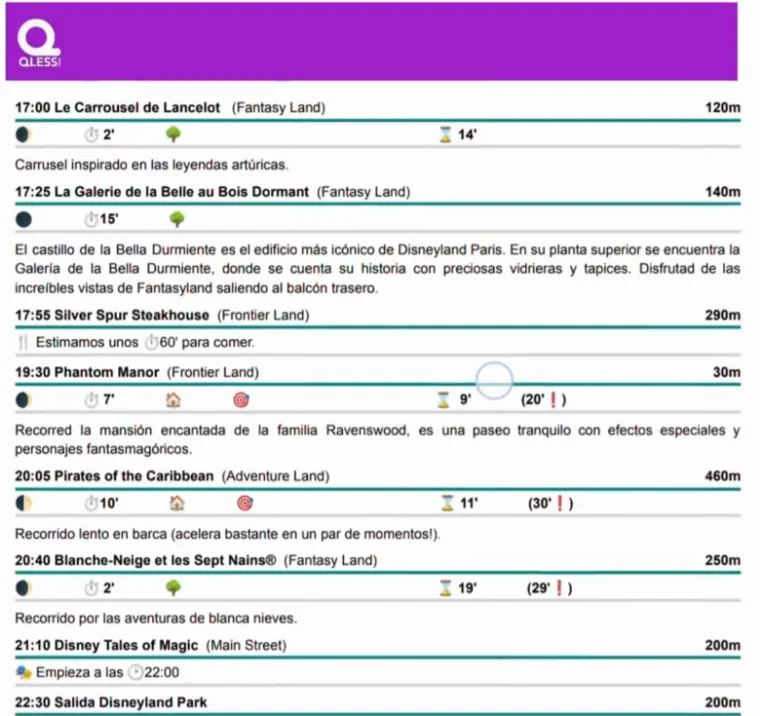
This part is fixed as soon as your Route is generated, so that the itinerary in your hand and the details it was built from are the same. If you need to change something, write to us: we'll adjust it and generate it again.