
ATTRACTIONS
Baby switch, step by step
What to say at the entrance so both adults can ride without queueing twice.
Baby switch (also called rider swap) lets a group with a baby, a child below the minimum height, or someone who would rather not ride, queue only once and still have more than one adult ride. At Disneyland Paris it is free and you ask for it right at the attraction's entrance, not at a separate desk.
Here is how it works, step by step:
- Arrive together at the attraction's entrance, with the whole group present — you cannot ask for baby switch on the group's behalf while the rest are already queueing somewhere else.
- Tell a cast member before joining the line. They will explain how it works at that particular attraction; the mechanics vary a little from one to another.
- One or two adults queue and ride while the rest wait in a designated area with whoever cannot or does not want to ride.
- When they come off, you swap. The adults who waited ride without queueing again — but baby switch is valid for a maximum of two people on that second turn, not for the whole group that stayed outside. If you are three adults and a baby, one of the three does not get a free second turn this way.
It works today on seven attractions in our catalogue: Indiana Jones™ et le Temple du Péril, Big Thunder Mountain, Star Wars Hyperspace Mountain, Crush's Coaster, The Twilight Zone Tower of Terror, Avengers Assemble: Flight Force and Frozen Ever After. All of them also have a minimum height, which is the reason baby switch exists in the first place. There are attractions with a minimum height that do not offer baby switch — there is no way round that one: whoever is not tall enough does not ride, and the rest of the group either rides without them or nobody does.
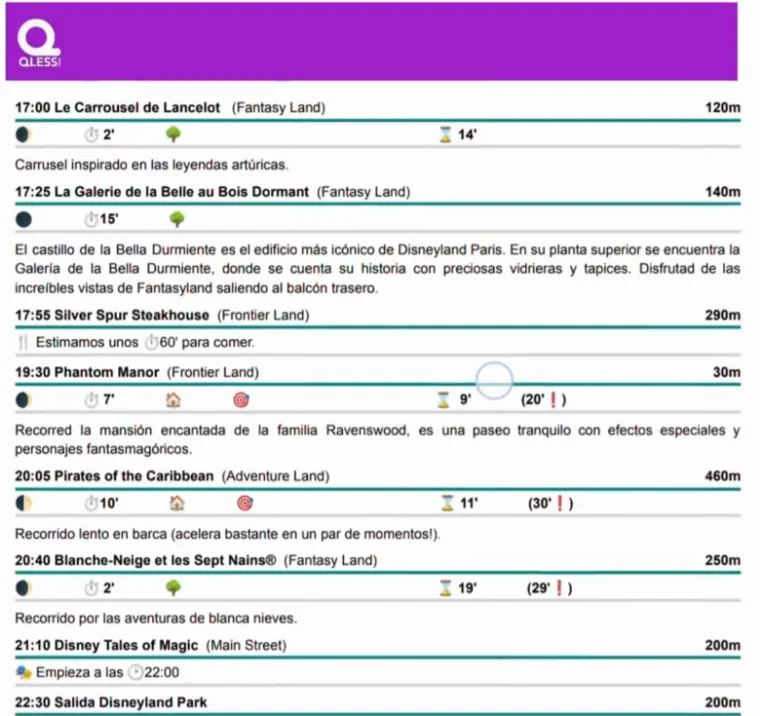
Your Route marks every attraction that allows baby switch with its icon, so you know before arriving where you will be able to use it. What the itinerary does not do is reserve your turn or tell the cast member for you — that is asked for in the moment, at the entrance itself.
This part is fixed as soon as your Route is generated, so that the itinerary in your hand and the details it was built from are the same. If you need to change something, write to us: we'll adjust it and generate it again.